A 0 Cycle Tablet Battery refers to a brand-new, unused battery, meaning it hasn’t gone through any charge cycles yet, ensuring the battery is in its full, original capacity. If you're looking for a 0 Cycle replacement battery for the iPad 9 (2021) or older models, with a capacity of 8827mAh, here’s what you need to know: Key Features:Battery Capacity: 8827mAh Battery Type: Lithium-Ion (Li-ion) Voltage: Typically 3.7V (iPad standard voltage) Condition: 0 Cycle (Brand New, Unused) Compatible Models: iPad 9 (2021) A1474 A1475 A1476 A1822 A1823 A1893 A1954 A2197 A1484
Benefits of a 0 Cycle Battery:Full Capacity: Since it's a new battery, it will have the full design capacity of 8827mAh and should perform optimally for a long time. No Wear and Tear: The battery hasn't undergone any charge cycles, meaning it won’t have reduced capacity or performance due to aging. Longer Battery Life: With no previous usage, the battery should provide maximum runtime, similar to the original factory battery.
How to Replace the Battery:Power Off the iPad: Always power off the device to avoid electrical issues or damage during the replacement process. Remove the Screen: Replacing the battery requires removing the screen, which can be challenging. Use a heat gun to soften the adhesive and plastic prying tools to gently lift the screen. Disconnect the Old Battery: Once the screen is removed, disconnect the old battery from its internal connector. You may need to use a screwdriver to remove screws securing the battery connector. Install the New 0 Cycle Battery: Insert the 8827mAh 0 Cycle battery into the compartment, carefully connecting the battery terminals. Reassemble the iPad: After installing the new battery, reassemble the device by carefully reattaching the screen and securing it with adhesive and screws. Power On the iPad: Once reassembled, power on the iPad to ensure everything is working properly.
Additional Tips:Calibration: After replacing the battery, it’s a good idea to fully charge it to 100% and then discharge it completely once. This can help with the initial calibration of the battery. Use the Right Tools: To avoid damaging the screen or internal components, make sure to use the correct tools such as a suction cup, plastic pry tools, and a heat gun for adhesive removal. Professional Help: If you're not comfortable with the repair process, it’s best to seek professional assistance to replace the battery safely.
Where to Buy:You can search for 0 Cycle iPad battery replacements on specialized electronics repair websites or platforms that provide OEM or high-quality parts for tablet repairs. If you need further guidance or help finding a place to purchase this battery, feel free to reach out! 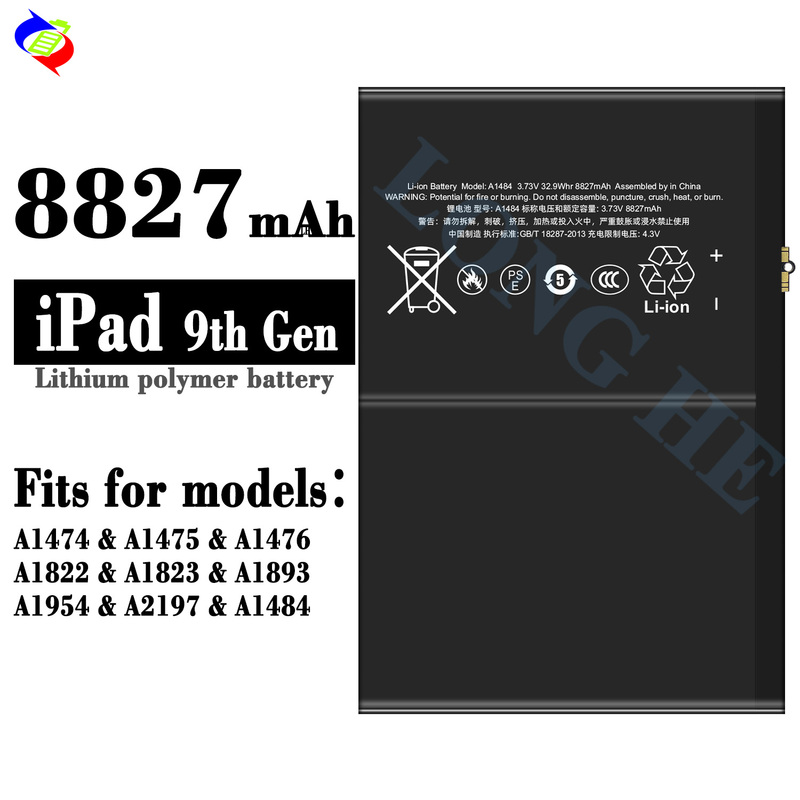 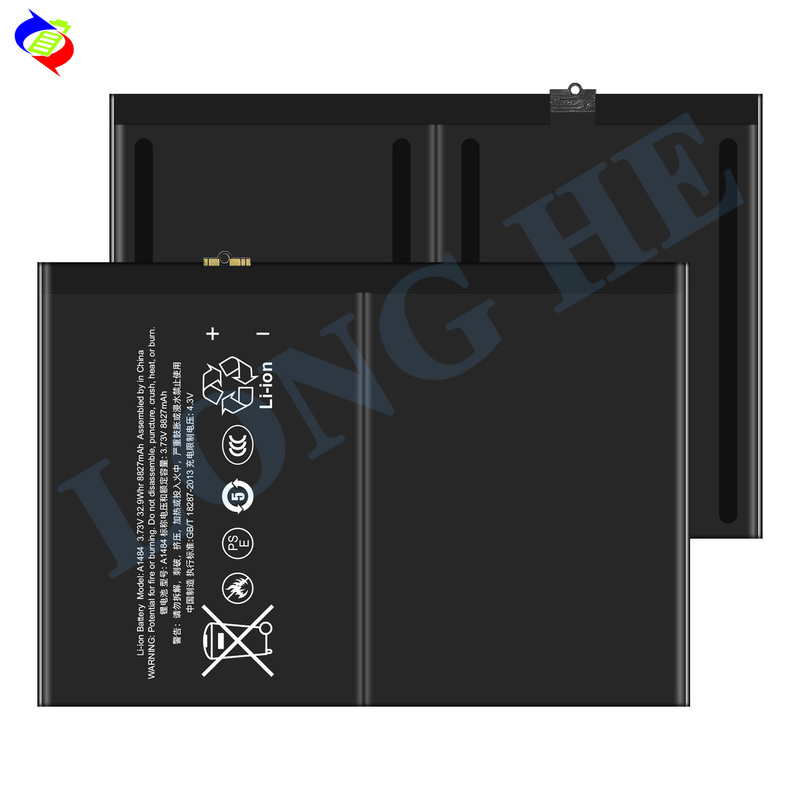 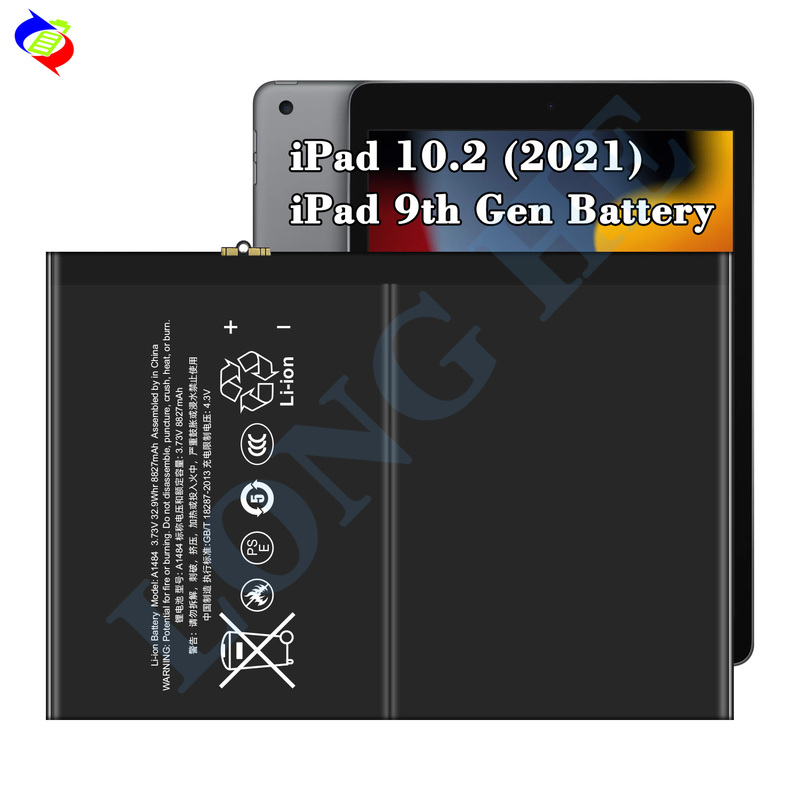     
|


