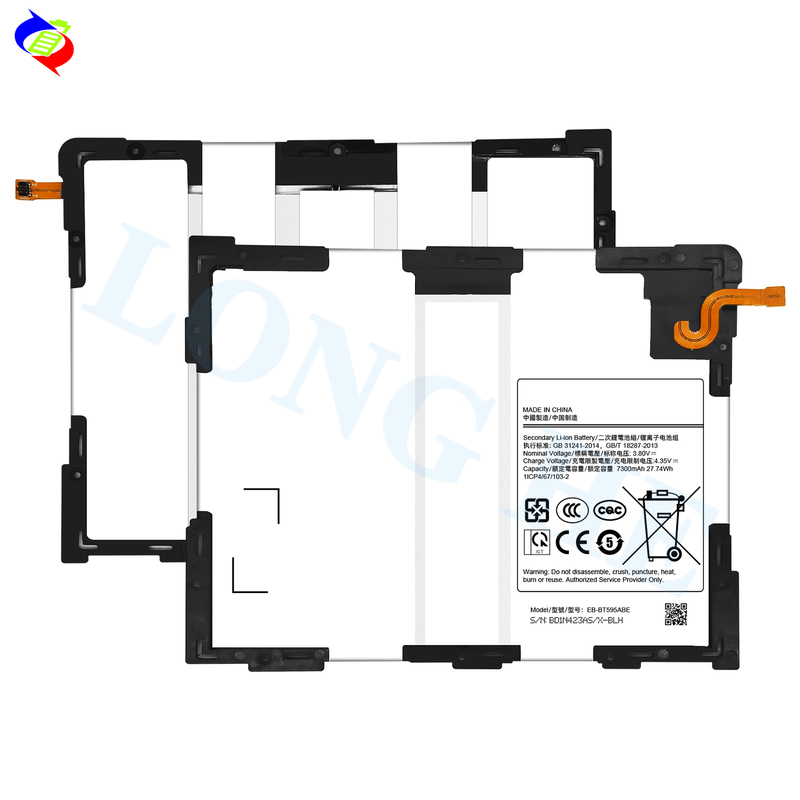
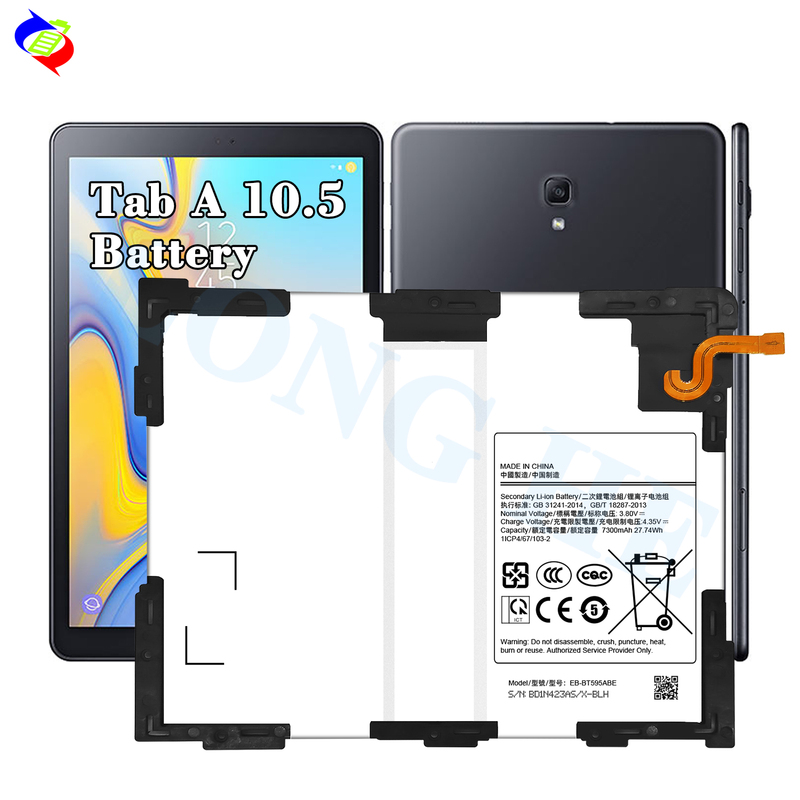
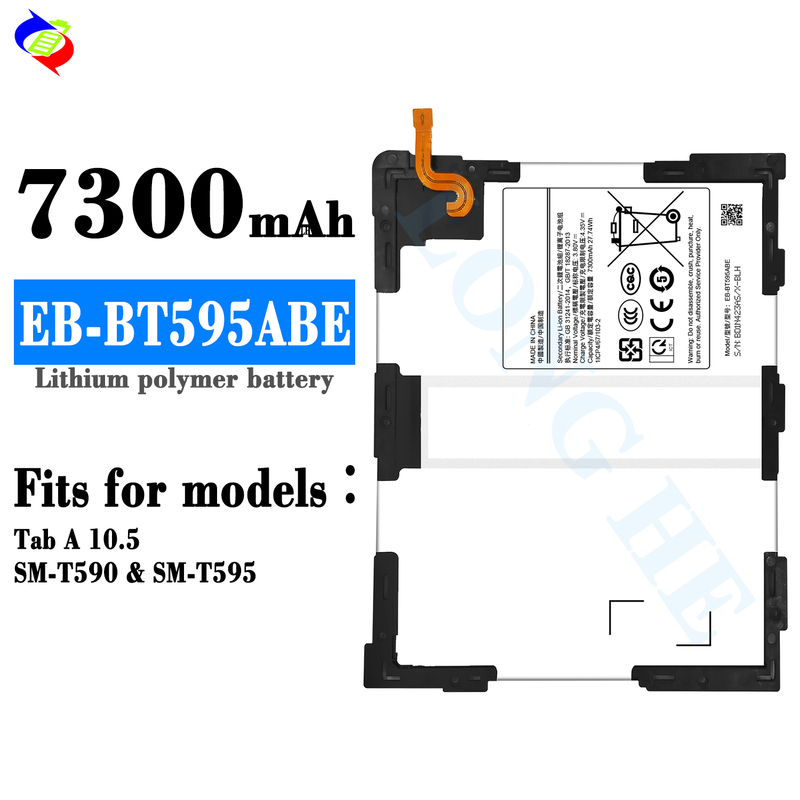
Mobile Smart Phone Battery EB-BT595ABE For Samsung Galaxy SM-T595 T590 Tab A 10.5

Tip:Mobile Built-in Battery
Malzeme:Pure Cobalt
Marka:LONGHEHUI OEM production
Model:EB-BT595ABE
Uyumlu Model:Galaxy SM-T595 T590 Tab A 10.5
Kapasite:7300mAh
Product Details

The EB-BT595ABE battery is specifically designed for the Samsung Galaxy Tab A 10.5 models SM-T595 and SM-T590. If you're looking to replace the battery in your tablet, here's a general guide on what to consider:

Key Information for the EB-BT595ABE Battery:

  • Capacity: 7300mAh

  • Voltage: 3.85V

  • Type: Lithium-Polymer (Li-Po)

  • Compatibility: Samsung Galaxy Tab A 10.5 (SM-T595, SM-T590)

Steps to Replace the Battery:

  1. Purchase a Genuine Replacement:

    • Ensure that you are getting a high-quality, genuine EB-BT595ABE battery from a reputable supplier.

  2. Prepare Tools:

    • You'll need specific tools like a plastic pry tool, a suction cup (for opening the tablet), small screwdrivers (typically Pentalobe or Torx), and safety equipment (e.g., gloves, safety glasses).

  3. Turn Off the Device:

    • Power down your Samsung Galaxy Tab A to prevent any electrical issues while replacing the battery.

  4. Disassemble the Tablet:

    • Use a suction cup to gently lift the screen away from the frame (be cautious as the screen may crack if too much force is applied).

    • Remove screws around the edges using the correct screwdriver.

    • Carefully open the device with a plastic pry tool to avoid damaging internal components.

  5. Disconnect the Battery:

    • Locate and gently disconnect the battery from the motherboard. Be careful not to damage connectors or other components.

  6. Replace the Battery:

    • Remove the old EB-BT595ABE battery and carefully install the new one.

    • Reconnect the battery’s power cable to the motherboard.

  7. Reassemble the Tablet:

    • Carefully place the back cover or screen back into position.

    • Screw everything back in place and ensure everything is tightly secured.

  8. Power On and Test:

    • Power on your device and verify that it’s charging and functioning properly.

Important Considerations:

  • If you're not familiar with the process of replacing batteries, it’s recommended to have a professional do the replacement to avoid potential damage to the tablet.

  • Always ensure the new battery is compatible with your specific model (SM-T595, SM-T590) before purchasing.

Let me know if you need any further details!

8.jpg7.jpg9.jpg11.jpg22.jpg33445566

  • Consult us
  • Email us
Telefon ve WhatsApp: +86 15323727405
E-posta: longhehuibattery@gmail.com
E-posta
*
WhatsApp / Telefon
Mesaj
okudum ve kabul ettim 《Privacy Policy》
Get Wholesale Price
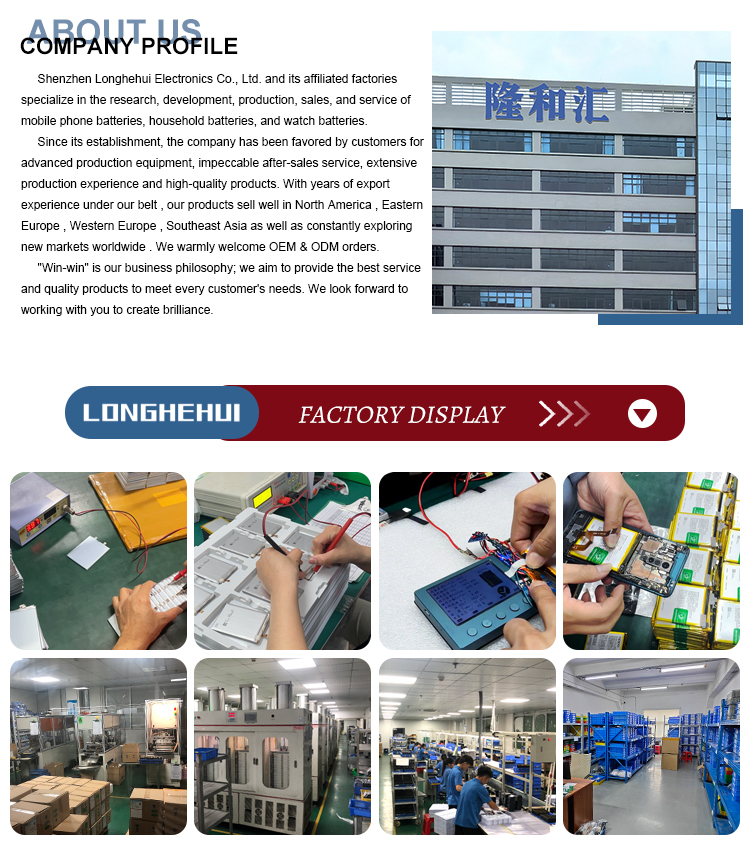
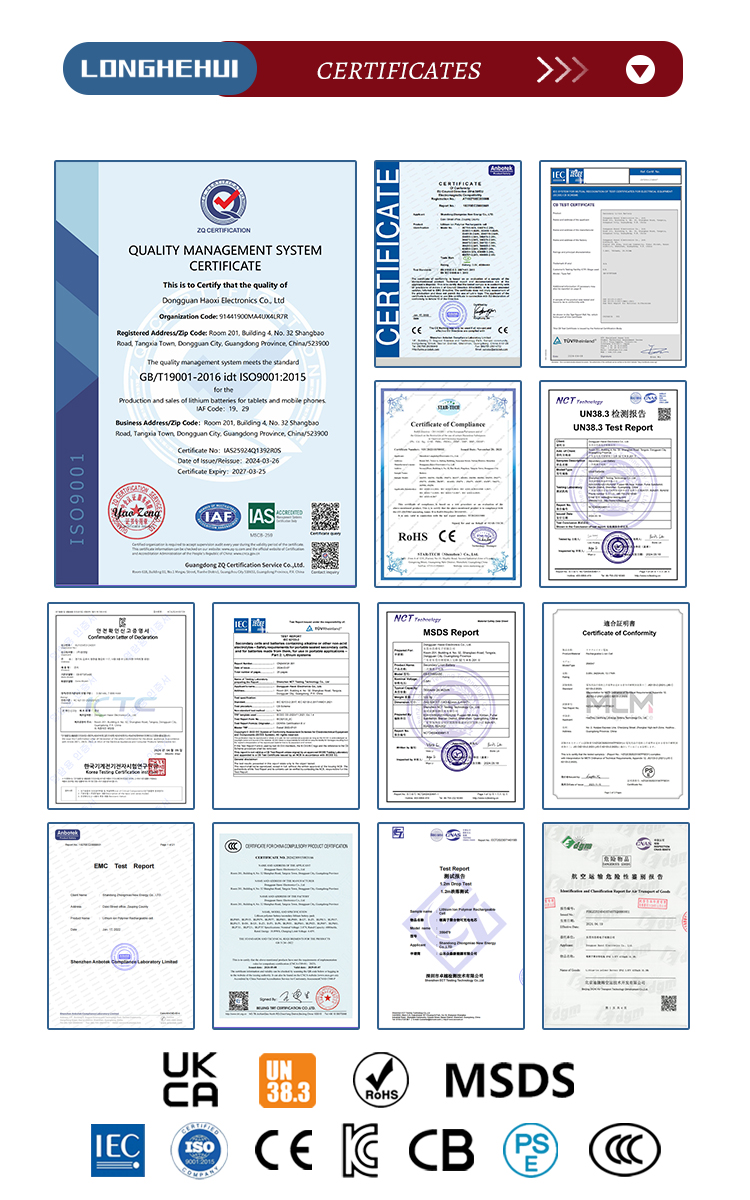
Longhehui, akıllı telefonlar, tabletler, akıllı saatler ve dizüstü bilgisayarlar için yüksek kaliteli piller konusunda uzmanlaşmış, 20 yılı aşkın deneyime sahip Çin merkezli bir pil üreticisidir. ISO9001, CE, FCC, RoHS, UN38.3 ve diğer uluslararası standartlara sahip olan firmamız, güvenilir OEM/ODM çözümleri sunmakta ve Asya, Avrupa, Amerika, Orta Doğu ve Afrika'daki müşterilerine hizmet vermektedir.
Longhehui Cep telefonu batarya fabrikası