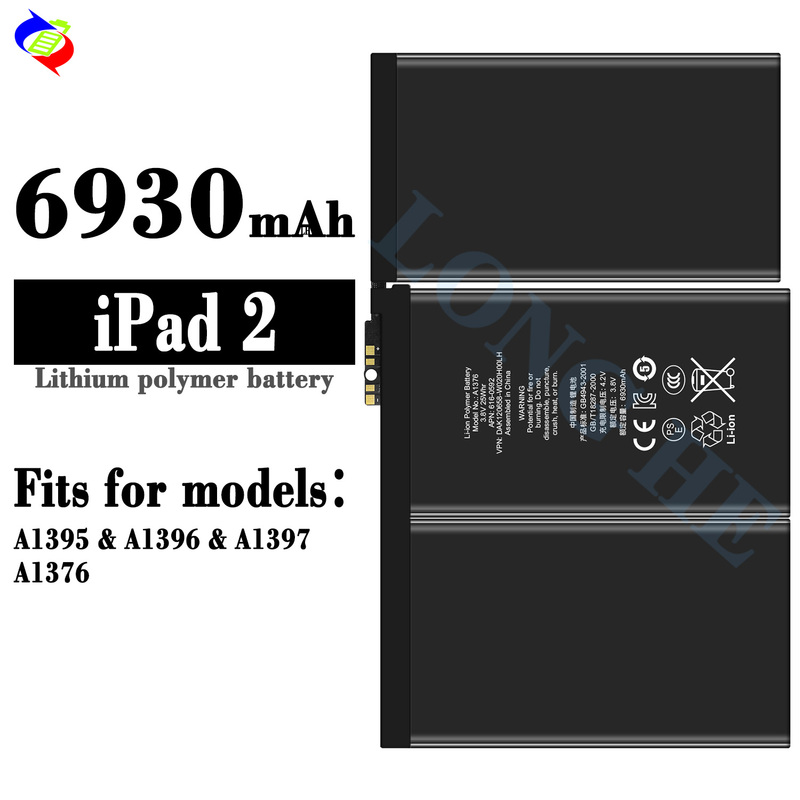
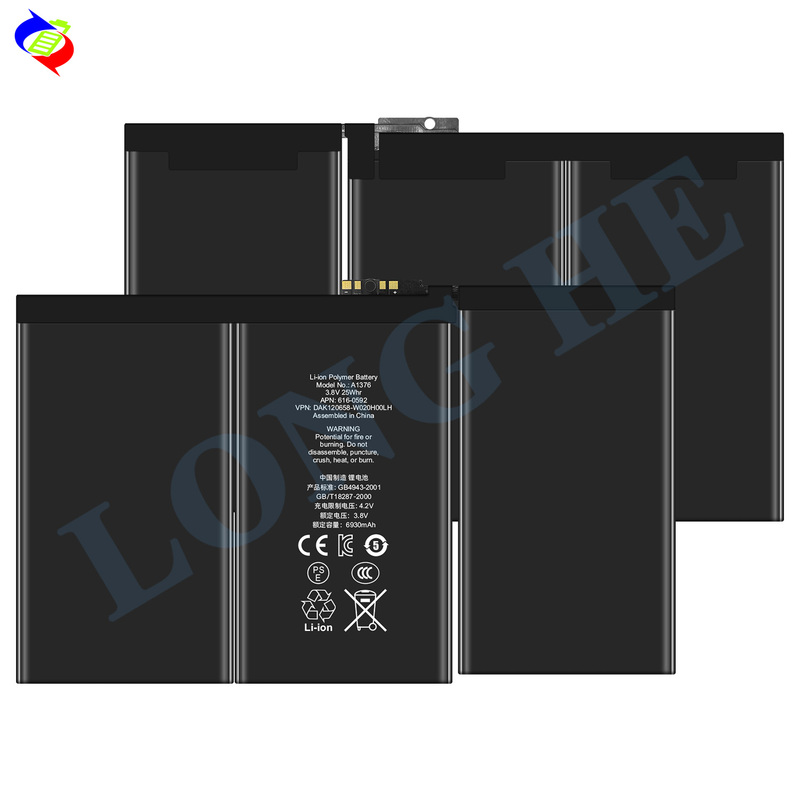
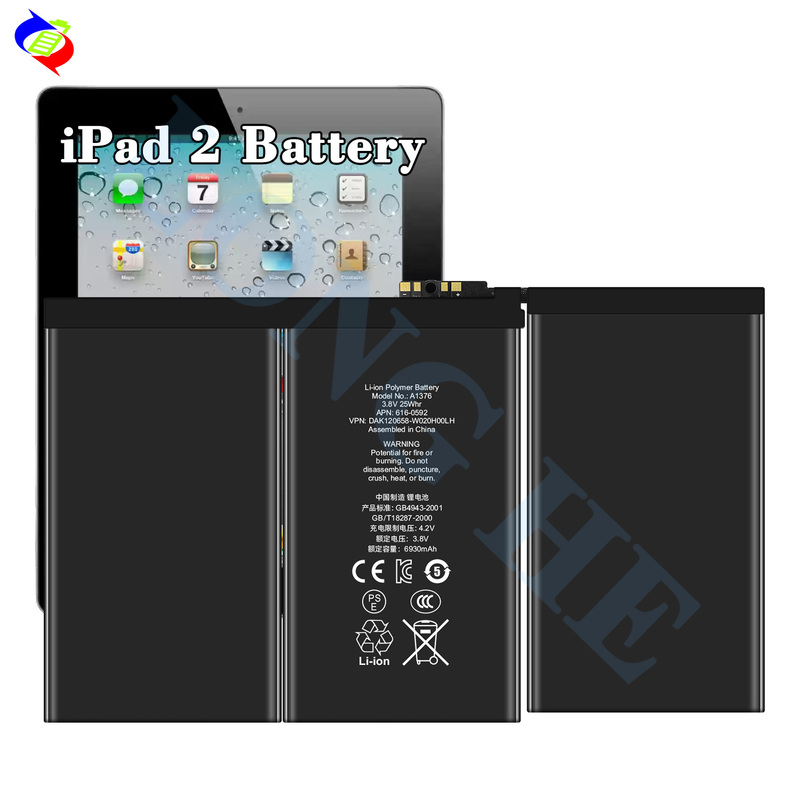
The High-Quality Battery for iPad 2 (model numbers A1395, A1396, A1397, A1376) is a 6930mAhLi-polymer (Lithium-Polymer) replacement battery designed for the Apple iPad 2. This battery is intended to restore the performance and longevity of an iPad 2 whose original battery is no longer holding a charge effectively.
Key Specifications:
Battery Model: Typically listed as 6930mAh Li-Polymer.
Capacity: 6930mAh, which is the original capacity for iPad 2 batteries.
Voltage: 3.7V (standard for lithium-polymer batteries).
Type: Li-Polymer (Lithium-Polymer), a type of battery that is more flexible and efficient than traditional lithium-ion batteries.
Compatibility:
iPad 2 (A1395, A1396, A1397, A1376)
Ensure the model of your iPad 2 matches the battery before purchasing.
Features:
6930mAh Capacity: The high capacity of 6930mAh provides long-lasting performance for your iPad 2. If your original battery is no longer holding a charge or is draining quickly, this replacement will restore much-needed battery life.
Li-Polymer Technology: Lithium-Polymer batteries are thinner, lighter, and can be made in various shapes and sizes to fit the device more efficiently, offering advantages in performance and design over standard lithium-ion batteries.
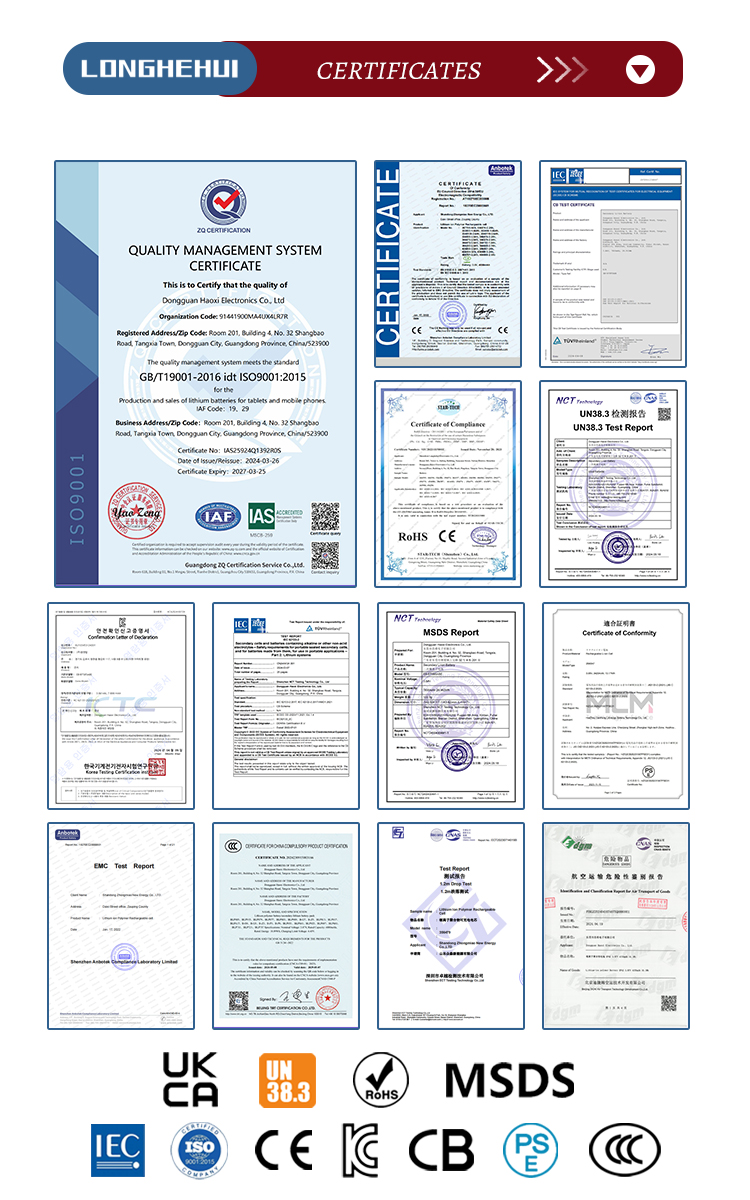
OEM Quality: A high-quality replacement battery should meet or exceed the standards of the original battery, offering safe operation and longevity.
Battery Care Tips:
Avoid Deep Discharge: To prolong battery life, try not to let the battery completely discharge to 0% too often. Lithium batteries perform best when kept between 20% and 80% of charge.
Charge Slowly: Use a quality charger, preferably the original charger or a certified third-party charger, to prevent damage. Avoid using low-quality, cheap chargers as they can affect battery health.
Temperature: Avoid charging or storing the iPad 2 in extremely hot or cold conditions. The optimal temperature range for charging lithium batteries is between 32°F (0°C) and 95°F (35°C).
Avoid Overcharging: Although most modern devices have protective charging circuits, unplugging the device once it reaches 100% can be good practice to prevent long-term wear.
Storage: If you plan to store the iPad for a period of time, make sure the battery is at around 50% charge and store it in a cool, dry place.
Replacing the iPad 2 Battery:
Replacing the battery in the iPad 2 involves opening up the device, which can be delicate. Here's an overview of the steps:
Basic Battery Replacement Steps:
Power Off the iPad 2 to avoid damaging internal components.
Remove the Screen: Use a heat gun or heat pad to soften the adhesive holding the screen in place, and then gently lift the screen off using suction cups and plastic prying tools.
Disconnect the Old Battery: Once the screen is removed, you can access the internal components. Disconnect the old battery from its connector.
Replace the Battery: Install the new 6930mAh battery by carefully connecting it to the connector.
Reassemble the Device: After installing the new battery, carefully reattach the screen, ensuring it is seated securely in place.
Important:
The iPad 2’s screen is glued down, so the process can be tricky if you’ve never disassembled an iPad before. If you're unsure or don’t have the necessary tools, it’s recommended to seek professional help from a technician who can replace the battery for you.
Professional Replacement:
If you’re not comfortable performing the battery replacement yourself, many repair shops can do the job for you. Make sure the technician uses OEM-quality batteries for the best performance and safety.
Let me know if you need further guidance or help with the process!