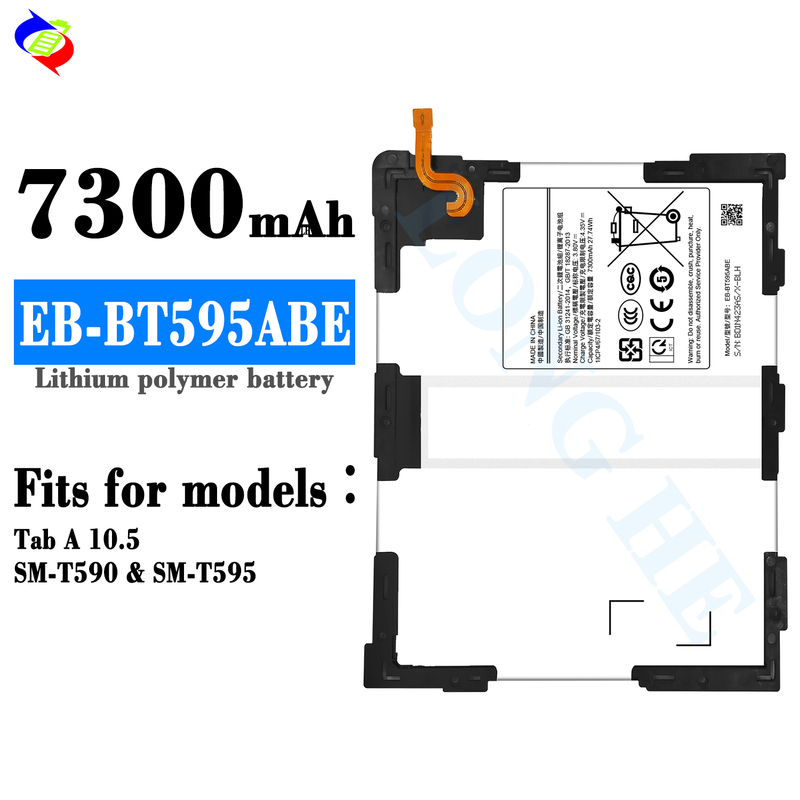
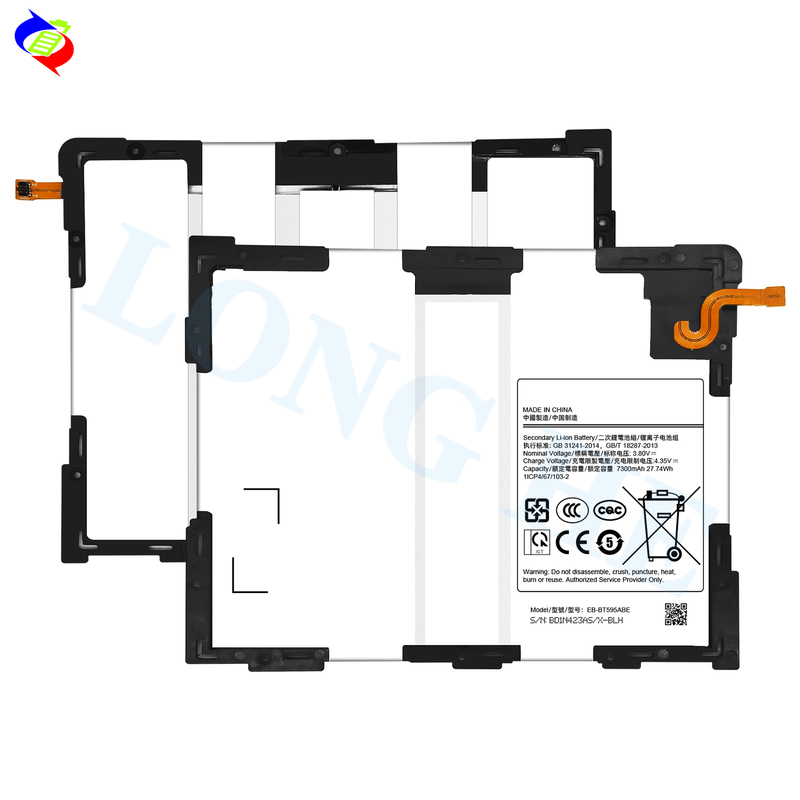
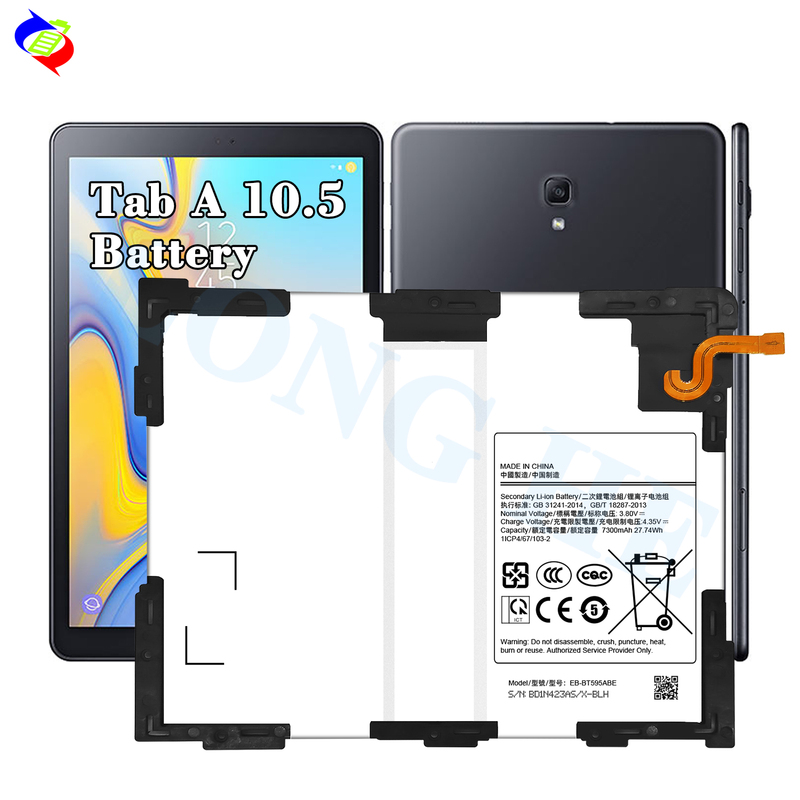
The EB-BT595ABE battery is specifically designed for the Samsung Galaxy Tab A 10.5 models SM-T595 and SM-T590. If you're looking to replace the battery in your tablet, here's a general guide on what to consider:
Key Information for the EB-BT595ABE Battery:
Steps to Replace the Battery:
Purchase a Genuine Replacement:
Prepare Tools:
You'll need specific tools like a plastic pry tool, a suction cup (for opening the tablet), small screwdrivers (typically Pentalobe or Torx), and safety equipment (e.g., gloves, safety glasses).
Turn Off the Device:
Disassemble the Tablet:
Use a suction cup to gently lift the screen away from the frame (be cautious as the screen may crack if too much force is applied).
Remove screws around the edges using the correct screwdriver.
Carefully open the device with a plastic pry tool to avoid damaging internal components.
Disconnect the Battery:
Replace the Battery:
Reassemble the Tablet:
Power On and Test:
Important Considerations:
If you're not familiar with the process of replacing batteries, it’s recommended to have a professional do the replacement to avoid potential damage to the tablet.
Always ensure the new battery is compatible with your specific model (SM-T595, SM-T590) before purchasing.
Let me know if you need any further details!