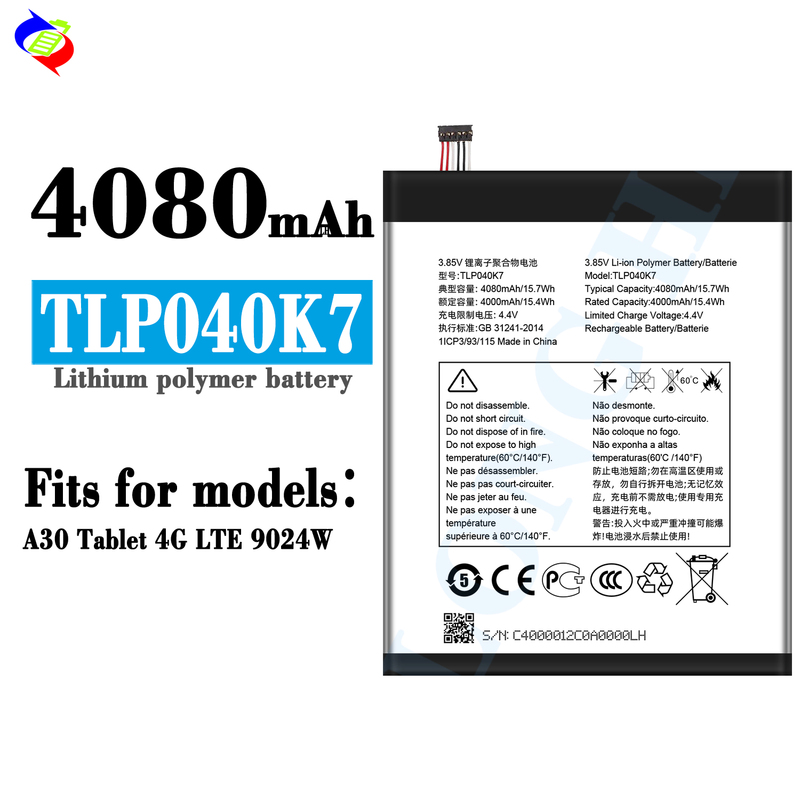
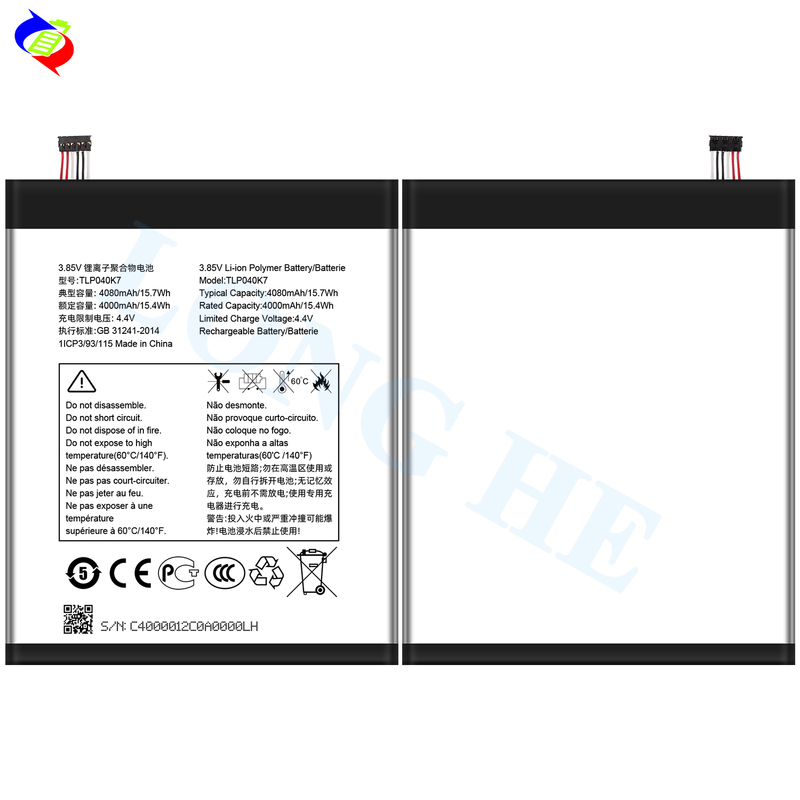
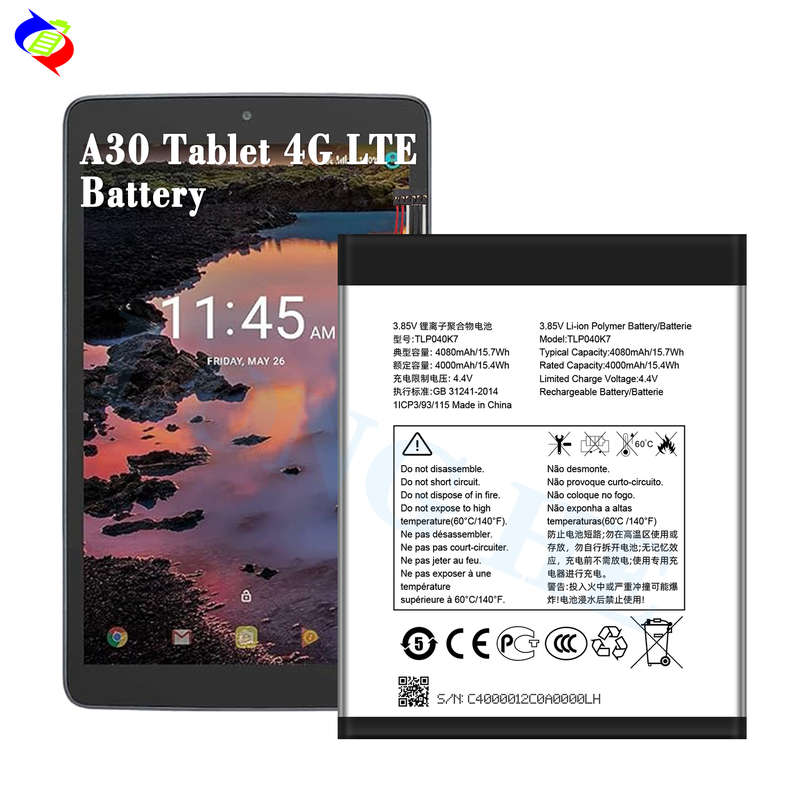
If you're looking to replace the battery in an Alcatel A30 Tablet 4G LTE 9024W, which uses a TLP040K7 rechargeable battery with 3.85V and 4080mAh, here are the general steps to replace it:
Tools You’ll Need:
Replacement battery (TLP040K7 or equivalent)
Small Phillips screwdriver
Plastic pry tools or spudger
Suction cup (optional)
Tweezers
Anti-static wrist strap (optional for safety)
Adhesive strips (for reassembling the device)
Steps for Replacing the Battery:
Power Off the Tablet: Ensure that the device is turned off completely to avoid any electrical issues.
Remove the Back Cover:
Use a plastic pry tool or suction cup to gently lift the back cover of the tablet. Depending on the design, it may snap off or require some careful prying.
If there are screws holding the cover in place, use a Phillips screwdriver to remove them before prying.
Disconnect the Battery:
Once the back cover is removed, locate the battery connector (typically a small ribbon cable or plug).
Carefully disconnect the battery from the motherboard using a plastic tool. Be gentle to avoid damaging the connector or motherboard.
Remove the Old Battery:
If the battery is secured with adhesive, gently pry it out using a plastic tool. Be cautious not to puncture the battery as it can be dangerous.
If there are any screws securing the battery, remove them before lifting the battery out.
Install the New Battery:
Place the new battery in the same orientation as the old one.
Connect the new battery to the motherboard, ensuring it’s securely attached.
Reassemble the Tablet:
If you used adhesive strips to hold the battery in place, press the new battery down firmly to ensure it stays in place.
Reattach the back cover and secure any screws if necessary.
Press around the edges to make sure the cover is securely snapped back into place.
Power On the Tablet:
Turn on your tablet to check if the new battery is functioning properly.
Tips:
Use the correct replacement battery: Ensure that the TLP040K7 or a compatible model with the same voltage (3.85V) and capacity (4080mAh) is used.
Safety first: If you notice any swelling or leaking from the old battery, handle it with extreme care and dispose of it properly at a recycling center.
Test the new battery: After replacing the battery, fully charge it to make sure it's working correctly.
If you're not comfortable performing the replacement yourself, you may want to take the tablet to a professional repair technician.